
Guides de réparation
Guides de réparation
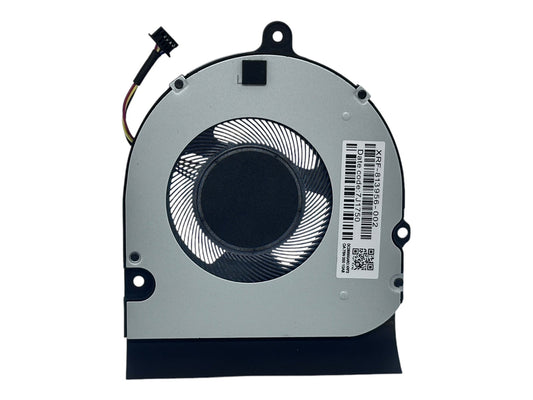
Tutorial: How to Replace the CPU Fan in Lenovo ...
Here's a step-by-step tutorial on how to replace the CPU cooling fan in a Lenovo ThinkPad L14 using compatible fan models like: ✅Part Number: 5F10S73401 5F10S73403✅Model: DC28000FLV0 DC28000FLT0 🔧 How...
Tutorial: How to Replace the CPU Fan in Lenovo ...
Here's a step-by-step tutorial on how to replace the CPU cooling fan in a Lenovo ThinkPad L14 using compatible fan models like: ✅Part Number: 5F10S73401 5F10S73403✅Model: DC28000FLV0 DC28000FLT0 🔧 How...
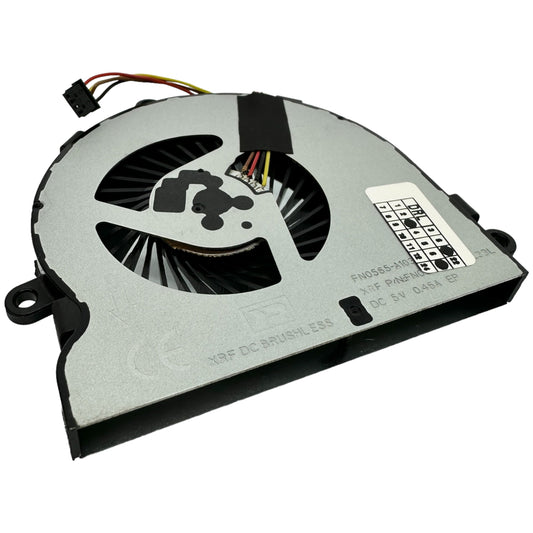
Tutorial: How to Replace the CPU Fan in HP Lapt...
Here's a step-by-step tutorial on how to replace the CPU cooling fan in a HP Laptop using compatible fan models like: ✅Part Number: 813946-001✅Model: DC28000GAR0 🔧 How to Replace the...
Tutorial: How to Replace the CPU Fan in HP Lapt...
Here's a step-by-step tutorial on how to replace the CPU cooling fan in a HP Laptop using compatible fan models like: ✅Part Number: 813946-001✅Model: DC28000GAR0 🔧 How to Replace the...
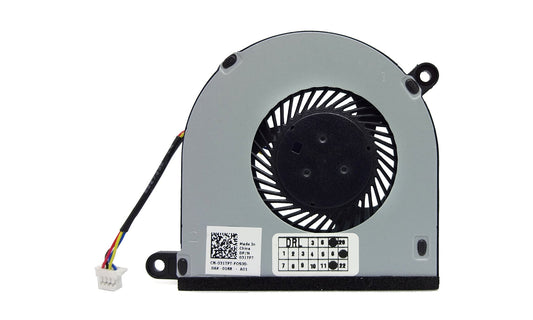
Tutorial: How to Replace the CPU Fan in Dell (I...
Here's a step-by-step tutorial on how to replace the CPU cooling fan in a Dell Inspiron 13 or Inspiron 15 using compatible fan models like: 31TPT 031TPT DFB451005M20T 023.1006M.0012 🔧...
Tutorial: How to Replace the CPU Fan in Dell (I...
Here's a step-by-step tutorial on how to replace the CPU cooling fan in a Dell Inspiron 13 or Inspiron 15 using compatible fan models like: 31TPT 031TPT DFB451005M20T 023.1006M.0012 🔧...
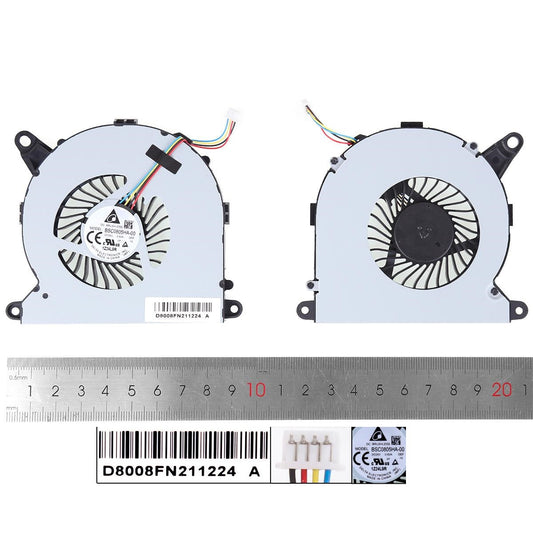
Tutorial: How to Replace the CPU Fan in Intel N...
Here's a step-by-step tutorial on how to replace the CPU cooling fan in an Intel NUC8 using compatible fan models like: ✅Part Number: BSC0805HA-00 NS65B01-19E01 BAZB0810R5HY005 🔧 How to Replace...
Tutorial: How to Replace the CPU Fan in Intel N...
Here's a step-by-step tutorial on how to replace the CPU cooling fan in an Intel NUC8 using compatible fan models like: ✅Part Number: BSC0805HA-00 NS65B01-19E01 BAZB0810R5HY005 🔧 How to Replace...
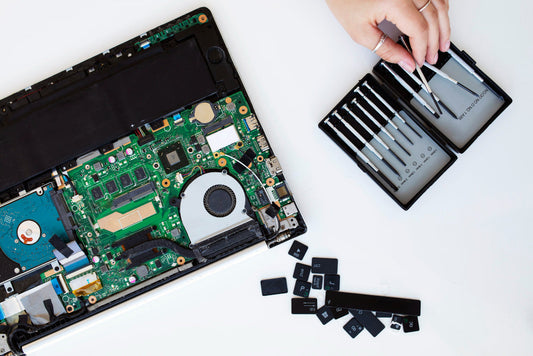
Common Issues with HP 15 Series and 250/255 G4,...
HP laptops are widely used for personal, academic, and business purposes due to their affordability and reliability. However, like any frequently used electronics, certain models can develop recurring issues over...
Common Issues with HP 15 Series and 250/255 G4,...
HP laptops are widely used for personal, academic, and business purposes due to their affordability and reliability. However, like any frequently used electronics, certain models can develop recurring issues over...
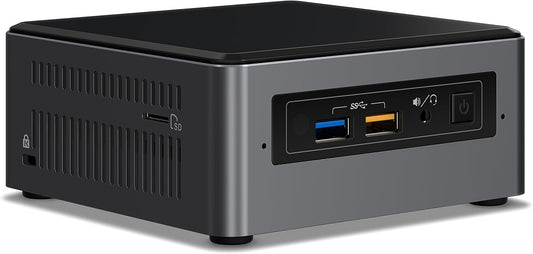
Tutorial: How to replace the CPU cooling fan in...
Here's a step-by-step tutorial on how to replace the CPU cooling fan in an Intel NUC7 or NUC5 using compatible fan models like: BSB05505HP CT02 CT02B05505HP-SM 769264-001 (also commonly used...
Tutorial: How to replace the CPU cooling fan in...
Here's a step-by-step tutorial on how to replace the CPU cooling fan in an Intel NUC7 or NUC5 using compatible fan models like: BSB05505HP CT02 CT02B05505HP-SM 769264-001 (also commonly used...
Tutorial: How to check your laptop battery health
Here's a quick and easy tutorial to check your laptop battery health. You can use these methods to get an idea of your battery's current status on Windows, macOS, and...
Tutorial: How to check your laptop battery health
Here's a quick and easy tutorial to check your laptop battery health. You can use these methods to get an idea of your battery's current status on Windows, macOS, and...
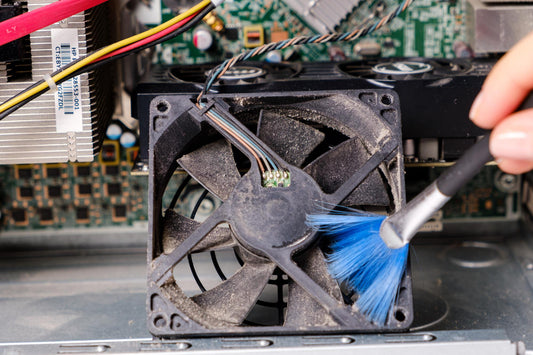
How to clean your laptop's screen, case, and ke...
WIPE DOWN THE CASE For maintaining your laptop case you will need a household sponge, dishwashing detergent, water, lint-free cloth, and cotton swabs. Gather them together and follow these steps:...
How to clean your laptop's screen, case, and ke...
WIPE DOWN THE CASE For maintaining your laptop case you will need a household sponge, dishwashing detergent, water, lint-free cloth, and cotton swabs. Gather them together and follow these steps:...
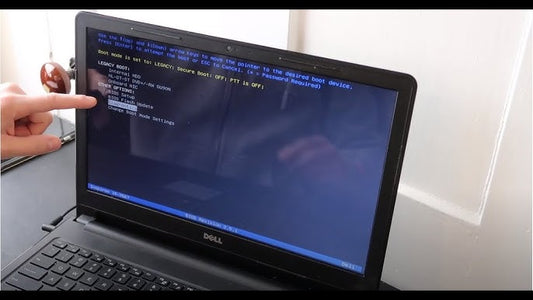
Dell Laptop Keeps Restarting: Troubleshooting G...
The Basics Before diving into more detailed troubleshooting, start with these fundamental steps: Restart Your Computer: Use the restart option in the Start Menu. This can finalize any pending repairs...
Dell Laptop Keeps Restarting: Troubleshooting G...
The Basics Before diving into more detailed troubleshooting, start with these fundamental steps: Restart Your Computer: Use the restart option in the Start Menu. This can finalize any pending repairs...
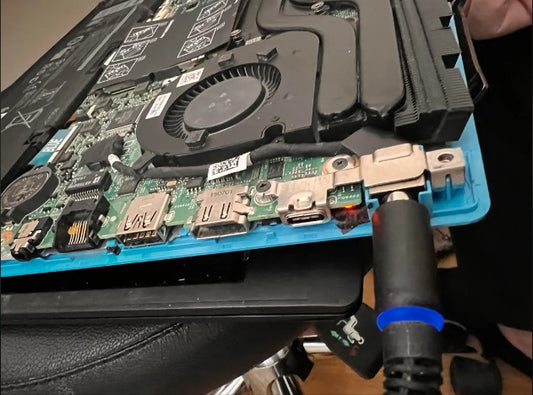
Dell Laptop Not Charging: Troubleshooting Guide
The Basics Before diving into more complex troubleshooting steps, ensure you cover these basic checks: Check Your Charging Source: Verify that the power source (wall outlet or power strip) is...
Dell Laptop Not Charging: Troubleshooting Guide
The Basics Before diving into more complex troubleshooting steps, ensure you cover these basic checks: Check Your Charging Source: Verify that the power source (wall outlet or power strip) is...